QR table ordering
Live(switched on per venue)Let every table order for itself
Guests scan the code on their table, browse your menu, choose their options and place the order from their phone. It lands in the same POS and kitchen screens as every other order, with prices that always come from your menu.
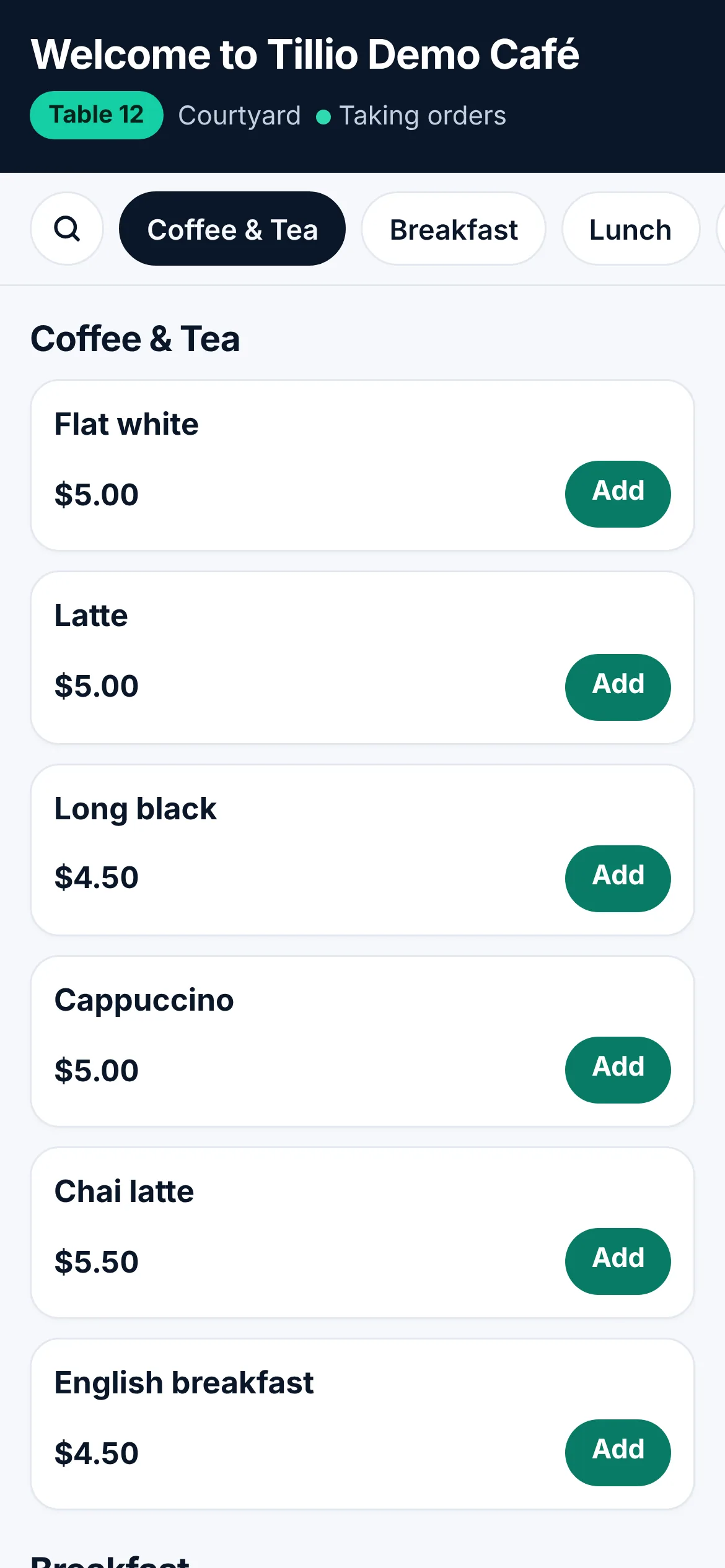
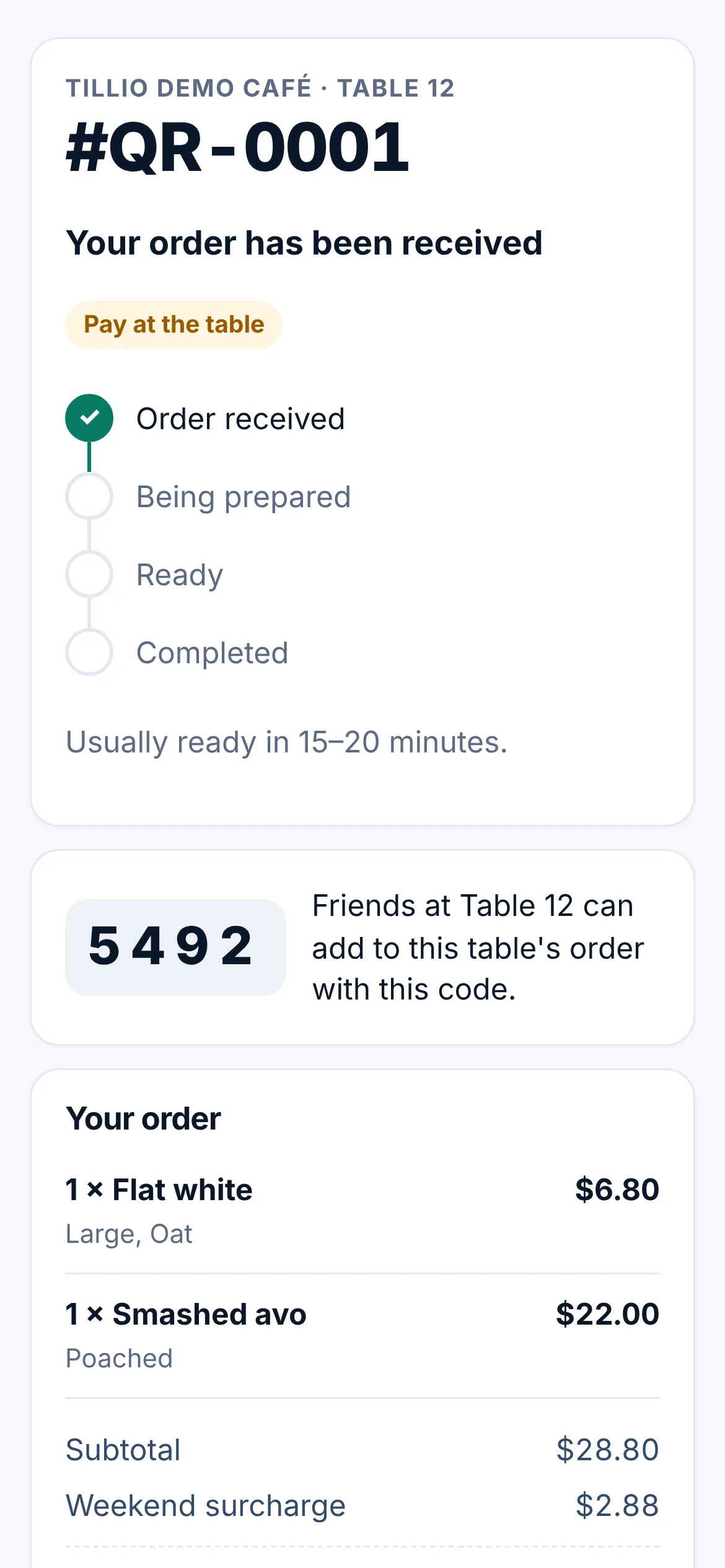
Real Tillio screens. Demo venue, sample data.
- No app and no account for your guests
- Orders go straight to the POS and the kitchen
- Pay on the phone, at the table or at the counter
QR table ordering, step by step
- 01
Scan
The guest scans the QR card on their table with their phone camera.
- 02
Choose
They browse your menu, pick options and add notes, just like ordering at the counter.
- 03
Order
The order arrives on the POS and the kitchen display, priced from your menu.
- 04
Pay
On their phone, at the table or at the counter, depending on how you've set it up.
What it does today, and what's next
Every capability is labelled, so you know exactly what's available now.
Live
Available in Tillio today.Table, counter, takeaway and event codes
LivePrint a card for each table, or one code for the counter, takeaway or an event.
Options, notes and live prices
LiveThe same options as the POS, priced by the server from your menu, never by the phone.
Approve or auto-accept
LiveSend orders straight to the kitchen, or have staff accept each one first.
Shared table orders
LiveFriends at the same table add to one order with a short code.
Pay on the phone
LiveOnline payment through your venue's own Stripe account, so the money goes straight to you.
Pay at the table or counter
LiveStaff bring the order into the till and take payment the usual way.
Live order status
LiveGuests see their order move from received to preparing to ready.
Time-of-day menus, photos and dietary labels
LiveBreakfast and lunch menus by time, with descriptions and labels.
Sold out and pause
LiveHide an item instantly, or pause phone orders during a rush.
Planned
On the roadmap. We'll update this page when work starts.Online ordering for pickup and delivery
PlannedOrder ahead from your website, outside the venue.
Common questions
Do guests need to download an app?
No. They scan the QR code with their phone camera and order in the browser. There's no app and no account.
Where does online payment go?
To your venue's own Stripe account. Tillio doesn't hold the money. Online payment is optional: guests can also pay at the table or at the counter.
Can someone tamper with prices from their phone?
No. The phone only sends what was chosen. Prices are calculated on the server from your menu, the same way the POS calculates them.
Connected to the rest of Tillio
See QR table ordering with your menu
Book a demo and we'll show you how it would work in your venue, including what's live today and what's still to come.